Custom Software Development
Custom Windows applications, internal tools, utilities and business software.
Post a project →Describe your requirement, receive structured proposals from approved experts, choose the scope that fits your project and keep the complete work history in one managed portal.
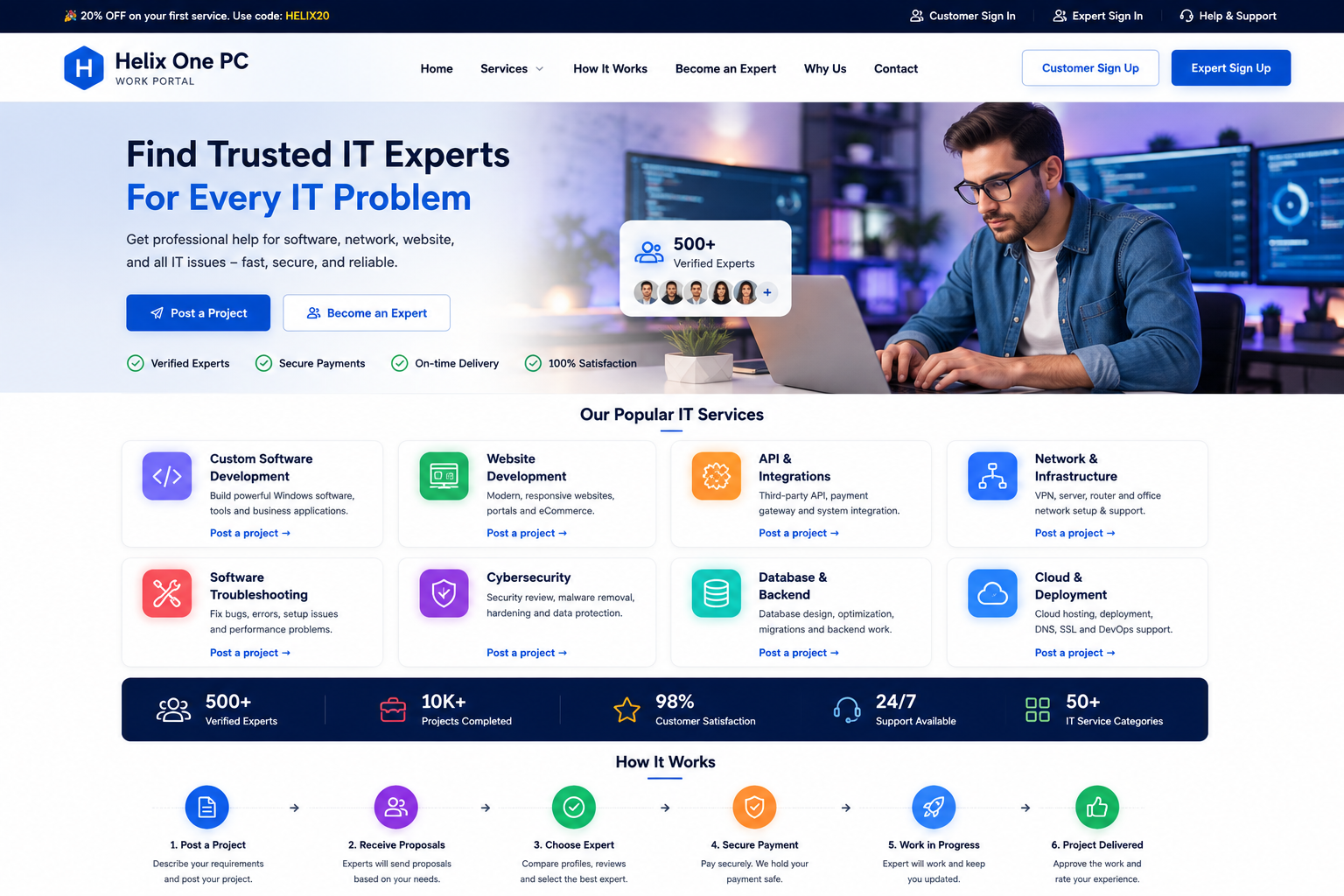
Choose the closest category when posting your project. Experts can respond with a fixed-price proposal and delivery estimate.
Custom Windows applications, internal tools, utilities and business software.
Post a project →Responsive websites, customer portals, landing pages and eCommerce projects.
Post a project →Payment gateways, third-party APIs and connected business systems.
Post a project →VPN, server, router and office network implementation projects.
Post a project →Application bugs, setup problems, compatibility issues and performance fixes.
Post a project →Security review, system hardening, endpoint protection and safer configurations.
Post a project →Database architecture, migrations, backend development and optimization.
Post a project →Domain email, authentication, deliverability and mailbox configuration.
Post a project →Website, application, database and server performance tuning.
Post a project →Architecture review, technical planning, documentation and implementation guidance.
Post a project →Create an account and describe the project, category, target outcome and preferred delivery timeframe.
Approved experts can submit price, delivery days, scope summary, assumptions and a message.
Review the available offers and choose the proposal that best matches the requirement.
The accepted expert and project status stay connected to the customer account.
Use the project workspace to follow work status and keep relevant project records together.
If the project has an issue, the customer can create a dispute linked to the project and assigned expert.
The portal keeps customer, expert, project, proposal and dispute records connected. This gives customers and administrators a clearer history of what was requested, what was offered and what happened afterward.
See open, active, disputed and completed projects from one account.
Review expert name, fixed price, delivery days and scope summary before accepting.
Follow project state changes without relying only on email communication.
Open a dispute when needed and keep the record tied to the relevant project.
Experts do not receive main-site administration access. Their portal account is limited to relevant project and proposal workflows.
Create an expert profile with skills and categories. Administrator approval is required.
Approved experts can view project opportunities and submit structured proposals.
Submit a price, delivery estimate, scope, assumptions and customer message.
Accepted assignments remain linked to the expert and customer project record.
You can post custom software, website development, API integration, network infrastructure, software troubleshooting, cybersecurity, database, cloud, email system, automation, performance and IT consulting projects.
No. Expert accounts are created in a pending state and require administrator approval before becoming active.
A proposal can include a fixed price, delivery days, scope summary, assumptions and a message to the customer.
Yes. The administration area is designed to retain customer account details together with project counts, payment-record foundation and dispute counts.
A customer can open a dispute linked to the specific project. The dispute can include a reason, detailed explanation, customer, assigned expert, status and administrator notes.
No. This is a separate work portal for project collaboration. Customer, expert and project workflows are handled inside this portal.